
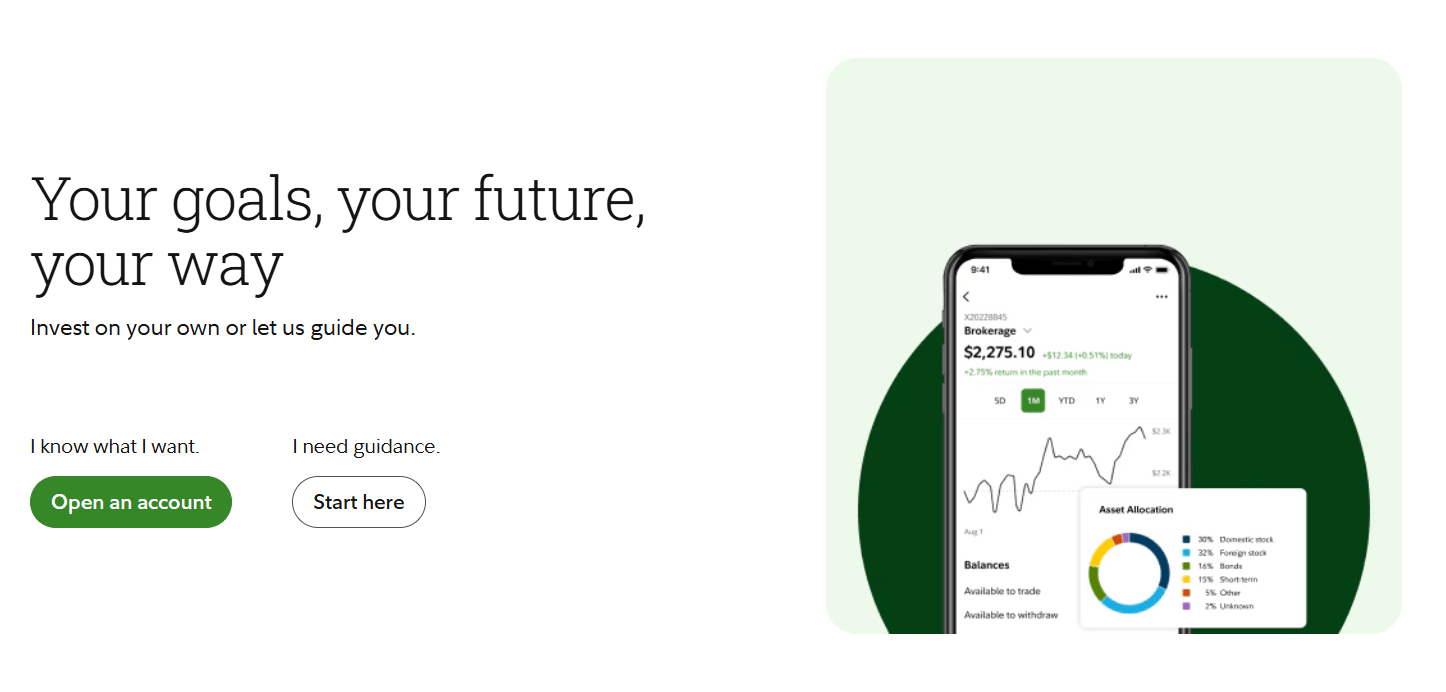
If you’re looking to start investing, one of the first steps is to open a brokerage account. Fidelity is a well-known and reputable platform that offers a variety of account types to meet your financial goals. This guide will walk you through the entire process of how to open a brokerage account on Fidelity—step by step. Whether you’re a first-time investor or switching platforms, this guide will help you set everything up with confidence.
Step 1: Go to Fidelity’s Website
To begin, head over to fidelity.com.
Once you’re on the homepage, look for and click “Open an Account.” This will take you to a page where you’ll see a range of account types.
Step 2: Choose the Right Account Type
Fidelity offers several account options, such as:
- Retirement and IRA accounts
- Health Savings Accounts (HSAs)
- Cash Management accounts
- 529 College Savings Plans
But for the purpose of this guide, we’re focusing on how to open a brokerage account.
Look for the section labeled “Brokerage Account” and click “Open an Account” underneath it.
Step 3: Are You Already a Fidelity Customer?
Next, Fidelity will ask if you already have an account with them. If you’re new to Fidelity, select “No”. If you do have an account, you can log in and add a new brokerage account to your existing profile.
Step 4: Choose Between Individual or Joint Account
You’ll now be asked whether this will be an individual account or a joint account:
- Select “Individual” if this is for you alone.
- Choose “Joint” if you want to share ownership with another person (like a spouse).
Click Next once you’ve made your choice.
Step 5: Enter Your Personal Information
You’ll be required to fill in your personal details, including:
- Full name
- Social Security Number
- Date of birth
- Email address
- Phone number
- Residential address
It’s important to enter real, accurate information. Once done, click Next to continue.
Step 6: Provide Your Employment Details
Fidelity, like all major brokerage platforms, will ask you about your employment. This helps them comply with financial regulations.
You’ll need to provide:
- Employment status
- Job title
- Employer’s name and address
You’ll also be asked a series of questions related to financial industry regulations. Read them carefully and select the answers that apply to you. Most users will likely choose “None Apply.” Click Next to move forward.
Step 7: Choose Where to Hold Uninvested Cash
Here’s a unique step in the Fidelity application process. You’ll be asked where you want your uninvested cash to be held until you decide to invest.
You have two options:
- Fidelity Government Money Market Fund (SPAXX)
- Earns monthly dividends
- Offers a current yield of around 4.1%
- Slightly higher return, but includes a small expense ratio (0.42%)
- Taxable Interest Bearing Cash Option (FCASH)
- Earns a lower interest (about 2.19%)
- No market risk
Both are low-risk options. The money market fund offers a bit more yield, while FCASH is simpler and essentially risk-free. Choose what suits your investing style and click Next.
Step 8: Review Your Information
At this stage, Fidelity will show you a summary of everything you’ve entered so far. Carefully go through all the details—this is your last chance to make corrections before submitting.
Scroll down to review the agreements and disclosures, then agree to the terms and conditions.
When you’re ready, click “Open Account.”
Step 9: Verify Your Identity
After submitting the application, you’ll be assigned an account number. You’ll now need to verify your identity.
Provide:
- Full name
- Date of birth
- Last four digits of your Social Security Number
Fidelity will send a text message with a verification code. Enter the code on the website within 30 minutes to continue.
Step 10: Set Up Your Login Credentials
Now you’ll create your username and password.
- If you already had a Fidelity account in the past, you may only need to reset your password.
- If this is your first time, you’ll set both a new username and password.
After creating your credentials, you’ll be asked to log in and verify again using a code. You can choose to disable this extra verification for the current device if it’s a trusted one.
Click Submit, and you’re officially logged into your new Fidelity account!
Step 11: Fund Your Account
Your account is now created, but to begin investing, you’ll need to add funds. Here’s how:
Click “Add Funds”
You’ll see an option to “Add Funds” on the main dashboard. Click on it.
From the dropdown menu, choose one of the following methods:
- Add a bank account
- Transfer your account to Fidelity
- Transfer via PayPal
We’ll go with the bank account option.
Choose Transfer Method
On the next screen, you’ll be asked how you’d like to transfer money. Select “EFT (Electronic Funds Transfer)” and confirm that you’re transferring to your own account.
Fidelity will again send you a verification code. Enter it to proceed.
Link Your Bank Account
Now, you can either:
- Log into your bank through Fidelity (recommended for ease), or
- Manually enter your bank information (routing and account number)
If one option doesn’t work due to a system error, try the other.
Example: Linking a Bank
Let’s say you select Capital One. Once authenticated, you’ll be able to view and select your linked bank account.
Choose the Fidelity account you want to fund, then:
- Select the transfer date
- Enter the amount (e.g., $30)
- Confirm and submit the transfer
Fidelity’s daily transfer limit is $250,000, but you can start small to test it.
Step 12: Check Your Balance
Return to the Fidelity main dashboard. Within a short period (sometimes instantly, depending on your bank), you’ll see your funds appear.
Congratulations! You’ve now successfully opened and funded your Fidelity brokerage account.
Final Thoughts
Opening a brokerage account on Fidelity is a smooth and well-structured process. While there are several steps, each one ensures your account is compliant with regulations and ready for secure investing.
Here’s a quick recap:
- Visit fidelity.com
- Choose Brokerage Account
- Enter personal and employment info
- Decide where to park uninvested cash
- Review and confirm your details
- Verify your identity and set up login credentials
- Link your bank and fund your account
Now that your account is ready and funded, you’re all set to begin your investing journey with Fidelity. Whether you’re buying stocks, ETFs, or mutual funds, you’re in a great position to start growing your wealth.
Happy investing!






