
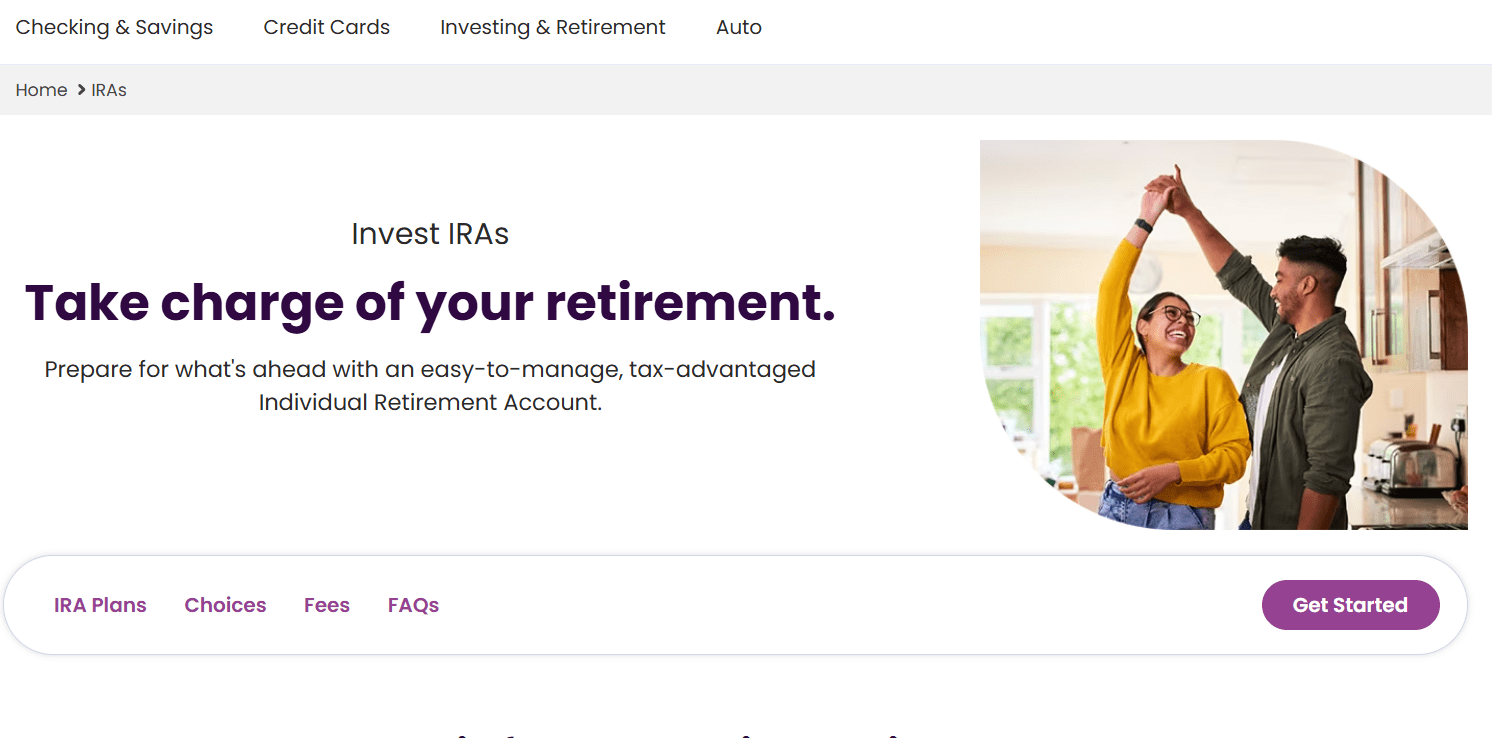
If you’re planning to start saving for retirement and are looking for a straightforward, low-cost investment platform, opening an IRA at Ally is a smart move. Ally Invest offers both self-directed and automated investing options with no account minimums and commission-free trading. In this comprehensive guide, I’ll walk you through the process to open an IRA at Ally, fund your account, and start buying and selling stocks and ETFs — all in one go.
Step 1: Go to Ally’s Investment Page
To open an IRA at Ally, you can go to www.ally.com
Once there, follow these steps:
- Click on “Investing & Retirement” in the top menu.
- From the dropdown, select “Explore Investing”.
- Then, click on “Start Investing” to proceed to the account setup.
Step 2: Choose Your Investing Style
Ally gives you two options:
- Self-Directed Trading: You select your own investments (stocks, ETFs, etc.)
- Automated Investing: Ally builds and manages your portfolio
Since this guide is tailored for self-directed investors, select “Start Trading” under the self-directed option.
A major plus here is that Ally approves most applications within minutes, and again — no minimum deposit is required.
Step 3: Create an Account
If you’re new to Ally, choose “I am new to Ally”. Fill in the required fields:
- First and last name
- Email address
Click “Register Now” to continue.
Step 4: Choose IRA Account Type
Ally offers several IRA options:
- Roth IRA
- Traditional IRA
- Rollover IRA
- Beneficiary IRA
Roth vs. Traditional IRA — A Quick Comparison
If you’re unsure whether to choose a Roth or Traditional IRA, here’s a simplified breakdown:
- Roth IRA:
- Contributions made with after-tax dollars
- Qualified withdrawals are tax-free
- Income limits apply
- No required minimum distributions (RMDs)
- Traditional IRA:
- Contributions may be tax-deductible
- Withdrawals are taxed
- No income limits
- RMDs start at age 73
For this guide, we’ll continue with a Roth IRA, but the process is nearly identical for other IRA types. Select your preferred option and click “Next”.
Step 5: Enter Personal and Financial Details
You’ll need to provide:
- Birthdate
- Citizenship status
- Marital status
- Number of dependents
- Social Security Number (SSN)
- Home address and phone number
- Security question and answer
Then, proceed to:
- Employment status
- Answer standard brokerage questions
- Input your annual income, net worth, liquid net worth, and tax bracket
Note: Although some of these may seem detailed, they help Ally understand your financial profile. Fill them out to the best of your knowledge.
Step 6: Set Investment Preferences
Now, you’ll answer a few more questions:
- Investment objective — Choose one that fits your goal. For example, “Growth and Income” if you’re looking to grow your portfolio and earn dividends.
- Decide whether you want to apply for margin or options trading. If you’re not experienced, it’s safer to skip this for now.
Step 7: Consider the Ally Securities Income Program
Ally offers a Securities Income Program, which allows them to lend your securities and share the interest earned with you.
- Not everyone qualifies automatically
- If enrolled, you lose voting rights on those shares
- Read the popup info and decide if you want to opt in
Step 8: Add a Beneficiary
Unlike some brokers, Ally requires you to add a beneficiary during the setup.
- This can be a spouse, parent, child, or anyone else
- You can assign multiple beneficiaries and split percentages accordingly
Click “Next” once done.
Step 9: Review and Submit Application
Go through the terms and conditions, check the agreement boxes, and then click “Submit Application”.
Congratulations! You’ve now successfully opened an IRA at Ally.
Step 10: Fund Your IRA
To fund the account, Ally uses Plaid to link your bank account securely.
- Click “Next”
- Choose your bank from the list (e.g., Capital One)
- Log in to your bank account securely through the popup
- Choose the account you wish to connect
- Authorize the connection
Now you can:
- Add the amount you want to transfer (e.g., $30)
- Pick the transfer date
- Click Submit
Your funds may take up to 3 business days to clear.
Step 11: Log In and Access Your Dashboard
Once your account is funded:
- Log into your Ally account using your newly created username and password
- Set up any required security settings
- Visit the dashboard to view your account balance and holdings
Step 12: Start Investing — Buy Your First Stock or ETF
To place your first trade:
- Click on either “Investments” or “Quick Trade”
- Accept the market data agreement and answer a few short questions
- (Optional) Add a trusted contact
On the trading dashboard:
- Enter the ticker symbol (e.g., SCD ETF)
- Select Buy
- Choose the quantity (Ally does not support fractional shares)
- Choose Market Order
- Click “Preview Order”, then “Place Order”
You’ve now made your first investment in your new IRA.
Selling Stocks or ETFs on Ally
To sell an asset:
- Go to your dashboard
- Find the security you wish to sell (e.g., SCD ETF)
- Click the three dots next to the Ask price
- Click “Trade Now”
- On the right panel, switch the action to “Sell”
- Choose quantity, order type, and then click “Preview” and “Place Order”
Selling is just as easy as buying.
Final Thoughts
Opening an IRA at Ally is a straightforward process that even beginners can navigate with confidence. From selecting the right type of IRA—whether Roth or Traditional—to funding your account and making your first trade, Ally provides a user-friendly platform with helpful prompts and a clean interface.
While it may take a few business days for funds to settle, the steps to open an IRA at Ally are designed to be intuitive and transparent. Whether you’re planning for retirement, looking to grow your wealth, or just starting your investment journey, Ally offers the tools you need to take control of your financial future. With no account minimums and commission-free trades, there’s never been a better time to open an IRA at Ally and start building your portfolio today.






