
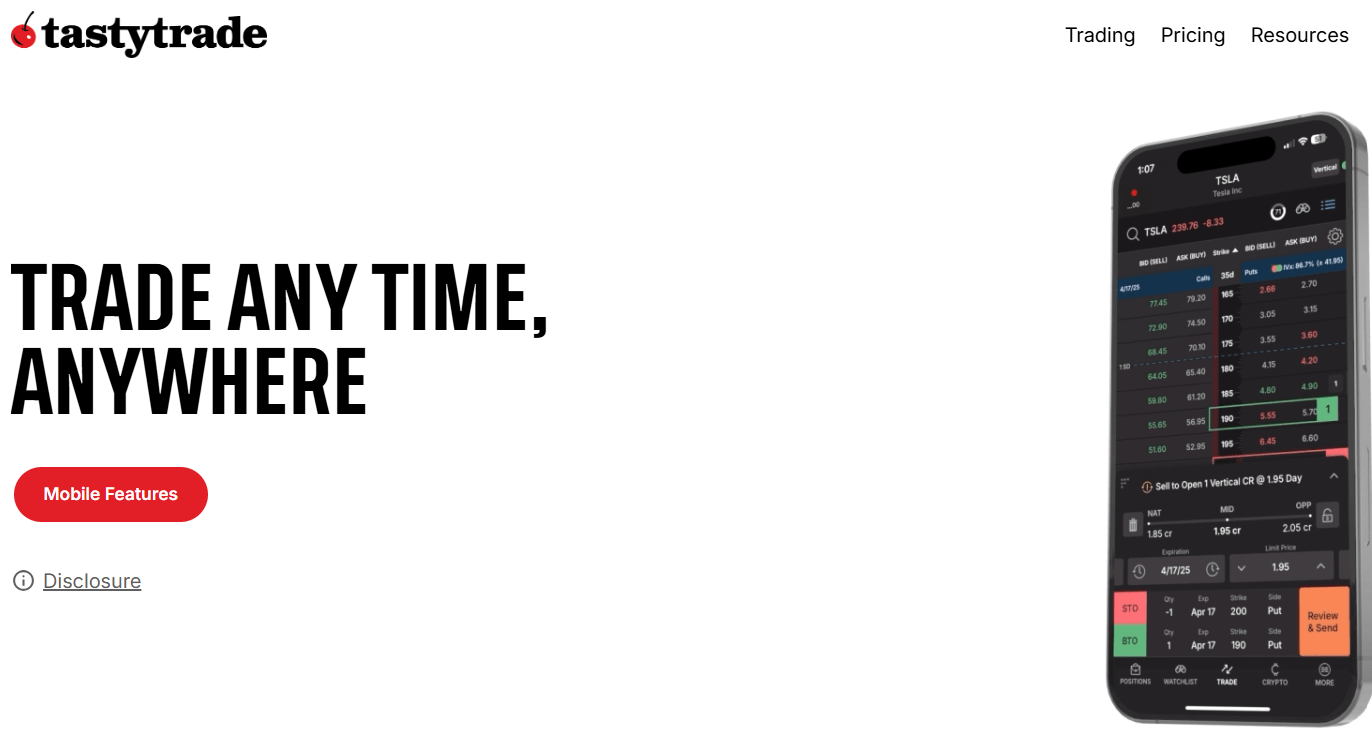
Tastytrade is a popular online brokerage platform that offers an intuitive interface for trading stocks, ETFs, options, and other financial instruments. If you’re new to the platform or trading in general, this comprehensive guide will walk you through how to open a Tastytrade account, fund it, and begin trading. We’ll break the process down step by step—from the initial registration to placing your first trade.
Step 1: Visit the Tastytrade Website
To begin the process of how to open a Tastytrade account, head over to the official Tastytrade website. Once you’re on the homepage, locate and click the “Open an Account” button.
Step 2: Sign-Up with Basic Information
After clicking “Open an Account,” you’ll be prompted to select your country of residence, then provide your email address, choose a username, and create a password. When you’re done, click Sign Up to continue.
Step 3: Personal Details
On the next screen, you’ll need to provide your:
- First and last name
- Physical address
- Phone number
Once this section is filled out, click Next. You may need to dismiss any pop-ups like cookie notifications that cover the button.
Step 4: Identity and Tax Information
This part involves identity verification and tax-related questions. You’ll be asked to:
- Confirm if you’re a U.S. citizen
- Enter your Social Security Number (SSN)
- Provide marital status and number of dependents
- Enter your date of birth
- Answer whether you’re subject to backup tax withholding
You’ll also need to provide employment information—this includes employer name, occupation, and job title if you’re employed.
Step 5: Answer Compliance Questions
Next, you’ll go through a series of regulatory and compliance questions. These typically involve confirming whether you or a family member is associated with a financial firm, whether you’re a politically exposed person, or whether you’ve been involved in financial regulatory issues.
Most users will likely answer “no” to these, but be sure to read them carefully and answer truthfully.
Step 6: Choose Your Account Type
Tastytrade offers various account types:
- Individual
- Joint
- Business or Trust
- Retirement (IRA)
In this guide, we’re focusing on opening an individual brokerage account, so select that and click Next.
Step 7: Select Your Trading Method – Cash or Margin
You’ll need to choose between a Cash Account and a Margin Account:
- Cash Account: Lower risk, uses only your deposited funds. Best for beginners.
- Margin Account: Allows you to borrow funds, use leverage, and access more advanced strategies (like short selling). Higher risk.
For simplicity and safety, beginners should opt for a Cash Account. Once you make your choice, click Next.
Step 8: Provide Financial Information and Objectives
You’ll be asked about your:
- Trading experience
- Investment goals
- Annual income
- Net worth
- Liquid net worth
Based on your responses, the platform will determine your trading access level—Limited, Basic, or The Works.
Most users interested in buying stocks, trading options, and investing in crypto will qualify for at least Basic access, which is usually sufficient.
Choose the appropriate access level and click Next.
Step 9: Set Up Security Features
To protect your account, set up Two-Factor Authentication (2FA). You can use either:
- An authentication app
- SMS text messages
Once chosen, proceed to receive and enter the verification code. You’ll also need to create a security question and optionally add a trusted contact (this can be skipped and done later).
Step 10: Document Upload
Tastytrade requires users to upload documentation for verification. You can either:
- Upload documents immediately
- Skip and do it later (you’ll be reminded)
Eventually, you’ll need to provide a photo ID like a passport or driver’s license. The platform recommends using your mobile device for this step. After logging in on mobile, taking a photo, and submitting, the process takes about 30 seconds.
Step 11: Review and Submit Your Application
Now you’ll be shown a review screen summarizing all the information you provided. Go through it carefully. If everything is accurate, click Submit.
If you haven’t uploaded your ID yet, this is the time to do so. Click Upload Documents and follow the instructions.
Step 12: Application Processing
Once submitted, your application will be marked as Processing. You’ll see this on your dashboard. Expect a confirmation email within 3–5 business days, though many receive it much sooner (within hours).
After receiving the welcome email, your account will be fully activated.
Step 13: Fund Your Tastytrade Account
Once your account is active, the first order of business is to fund it:
- Click “Fund My Account”
- Choose “Link a Bank”
- Tastytrade uses Plaid for secure bank connections
- Select your bank (e.g., Capital One), log in, and authorize access
- Choose the account you wish to connect
- Enter the amount you want to deposit
- Click Submit
Tastytrade offers instant deposits, which means you can begin trading right away in many cases.
Step 14: Buy and Sell Stocks or ETFs
Once your funds are available, you can start trading:
- Click the “Trading” tab on the left
- Use the search bar to look up a stock or ETF (e.g., SCHD)
- Click the asset to view its chart and details
- Scroll to the bottom to find Buy and Sell options
- Set your quantity (e.g., 1 share)
- Choose your order type (e.g., Market Order)
- Click Review, then Submit
Your order will be processed, and the position will appear under the “Positions” tab.
Step 15: Selling Your Investment
Selling works similarly:
- Go to Trading
- Select the asset from your portfolio
- Scroll to the bottom
- Click Sell
- Enter quantity (Tastytrade supports fractional shares)
- Click Review and then Submit
Fees are minimal. For example, a partial share trade might cost around 11 cents.
Final Thoughts
Learning how to open a Tastytrade account is straightforward if you follow each step carefully. The platform provides a clean interface and flexible options whether you’re just starting out or you’re an experienced trader looking to use margin.
From registration and identity verification to funding and trading, Tastytrade guides users through the process clearly. With instant deposits and a user-friendly dashboard, you can go from sign-up to trading in just a few hours.
Whether you’re buying ETFs, selling fractional shares, or just exploring the dashboard, knowing how to open a Tastytrade account empowers you to take control of your investing journey. Keep your documentation handy, answer each question honestly, and you’ll be up and running in no time.






