
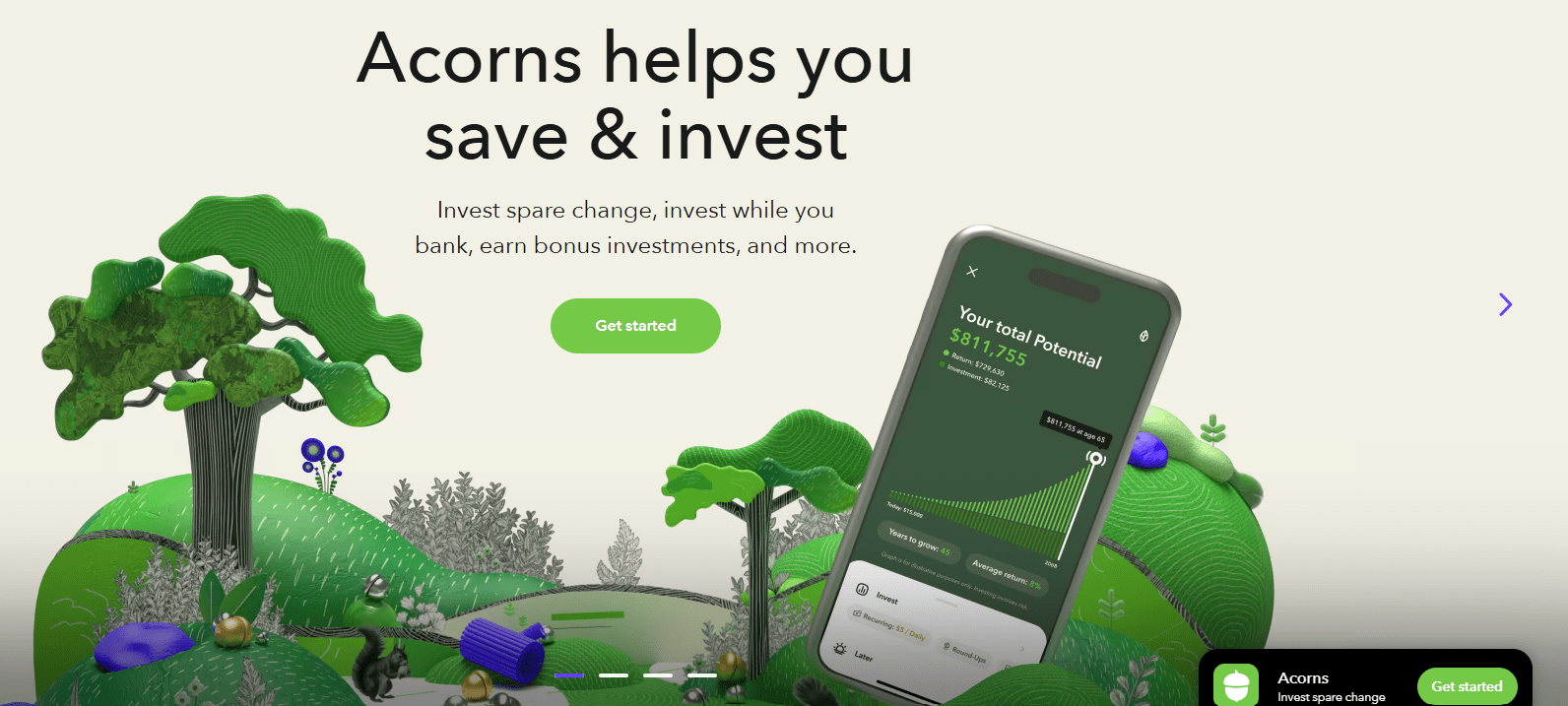
Opening an investment account may seem intimidating, especially for those new to finance, but platforms like Acorns are designed to make the process simple, automatic, and approachable. In this detailed guide, you’ll learn exactly how to open an Acorns account from start to finish—including funding, selecting a portfolio, and using the key features that Acorns offers to help you grow your savings and investments effortlessly.
What Is Acorns?
Acorns is an investment platform built for simplicity. It allows users to start investing with small amounts of money, often by rounding up everyday purchases and automatically investing the spare change. With subscription tiers that include retirement accounts, checking accounts, and even investment accounts for kids, Acorns aims to serve a wide range of financial needs for beginners and those looking to automate their investing.
Step 1: Visit the Acorns Website or App
To open an Acorns account, start by either visiting the Acorns website or downloading the mobile app.
Click “Get Started” to begin the process.
Step 2: Enter Your Basic Information
You’ll be prompted to enter the following:
- Your email address
- A secure password
- Your mobile phone number for verification
A code will be sent to your phone. Once entered, your phone number will be verified and you’ll proceed to the next step.
Step 3: Personal Details and Identity Verification
To comply with regulatory standards, Acorns will ask for:
- First and last name
- Date of birth
- Residential address
- Social Security Number (for identity verification and tax purposes)
All financial institutions in the U.S. require this information when opening an investment account.
Step 4: Connect Your Bank Account
In order to fund your investments and activate Round-Ups, you’ll need to link your bank account. You can either:
- Instantly connect using Plaid, a secure system that links your bank automatically
- Or, manually enter your bank details
Select your bank (e.g., Bank of America), log in securely, and choose the checking account you want to connect. This connection allows Acorns to track your spending for Round-Ups and to fund your investment account.
Step 5: Choose Your Acorns Subscription Plan
To open an Acorns account, you’ll need to choose a subscription tier. Acorns currently offers three options:
- Bronze ($3/month):
- Investment account
- Retirement account
- Round-Ups feature
- Silver ($6/month):
- Includes everything in Bronze
- Acorns Checking
- 1% bonus on retirement contributions
- Gold ($12/month):
- All Silver features
- 3% bonus on retirement contributions
- Investment account for kids
- Life insurance, will preparation, and the ability to select individual stocks
Choose the plan that best fits your goals. If you’re just starting, Bronze might be sufficient.
Step 6: Answer Financial Profile Questions
Now it’s time to provide information that will help Acorns build a portfolio that fits your situation:
- Employment status
- Annual income
- Net worth
- Investment goals (e.g., long-term growth, conservative income)
- Financial knowledge level
- Whether you’re investing for children
- Whether you’re affiliated with public companies or subject to IRS backup withholding
These answers shape the suggested investment portfolio you’ll receive.
Step 7: Review Your Suggested Portfolio
Based on your answers, Acorns will recommend a portfolio. For example, a “Growth” portfolio might include:
- 55% VOO: Large U.S. companies (S&P 500)
- 30% IUS: International stocks
- 10% IJH: Mid-cap U.S. stocks
- 5% IJR: Small-cap U.S. stocks
You’ll also be shown projected returns based on historical data, with estimates ranging from a conservative -2% to a high of 16%, and an average around 6.5% annually.
If you’re not satisfied with the allocation, you can change your risk level (e.g., from Aggressive to Moderate) through the “Portfolio” section, although deeper customization may require a Gold membership.
Step 8: Enable Round-Ups
One of the key features when you open an Acorns account is Round-Ups. Acorns rounds up each purchase you make to the nearest dollar and invests the difference.
You can choose to:
- Enable Round-Ups automatically (recommended)
- Manually review each transaction
You’ll also choose which bank accounts or credit cards to monitor for Round-Ups. Select what works best for your lifestyle and spending habits.
Step 9: Set a Recurring Investment
You’ll now choose a recurring weekly investment amount. Options typically range from:
- $5/week
- $10/week
- $25/week
- Up to $100/week
This amount can be changed later, so don’t worry about choosing something permanent. Consistency is key—even a small recurring investment builds wealth over time.
Step 10: Finalize and Download the App
Congratulations! You’ve successfully taken the steps to open an Acorns account. Now, download the Acorns mobile app so you can manage your investments, track Round-Ups, and monitor your portfolio on the go.
Optional: Add or Edit Portfolio Holdings
If you’re on the Gold subscription, you can customize your investments and choose individual stocks or ETFs. Otherwise, your options may be limited to adjusting your risk level, which shifts the allocation of ETFs in your portfolio.
To change your risk profile:
- Tap Investing
- Tap Portfolio
- Tap Edit, then select a new risk level (e.g., Moderate, Aggressive, Conservative)
Is Acorns Worth It?
Acorns offers excellent value for new investors and anyone who wants to make saving and investing automatic. It:
- Promotes good financial habits
- Requires minimal effort
- Makes investing accessible to all
However, once you move beyond beginner status or want full control over your investments, you may find Acorns limiting—especially given the $12/month cost for full features. Many traditional brokers offer commission-free trades and more customization at no monthly charge.
Still, if you’re just getting started, opening an Acorns account could be a smart first step toward building financial security.
Final Thoughts
To summarize, here’s a quick overview of how to open an Acorns account:
- Visit the Acorns site or app
- Enter your personal and contact info
- Link your bank account
- Choose a subscription plan
- Answer questions to create your profile
- Review and accept your portfolio
- Enable Round-Ups and set your weekly investment
- Download the app and start investing
The process takes less than 15 minutes and can create long-term financial benefits with very little effort. Whether you want to invest your spare change or plan for retirement, Acorns makes the entry into the investment world easy and beginner-friendly.






