
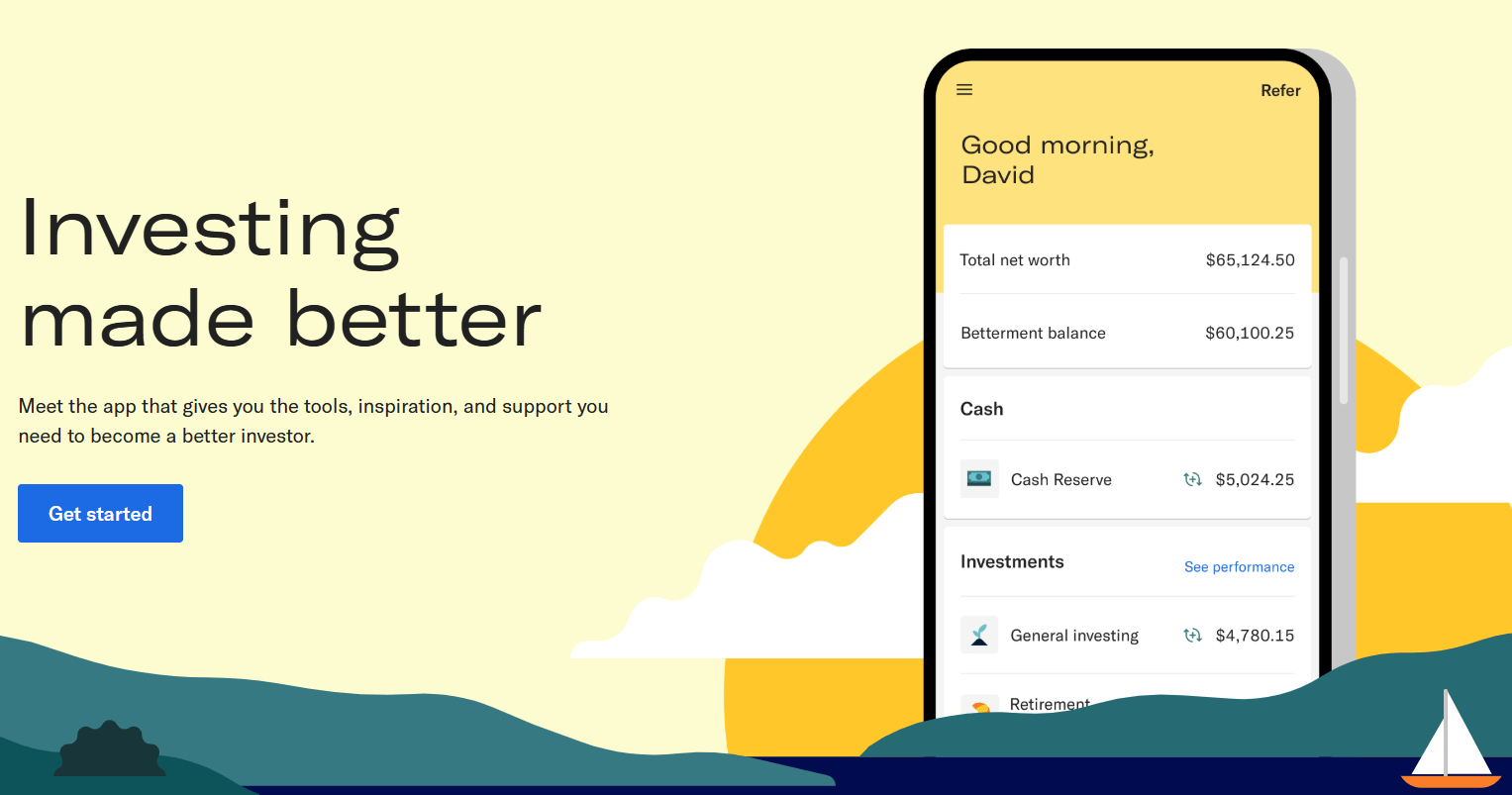
Betterment is a widely known robo-advisor platform that simplifies investing through automated ETF portfolios, streamlined account management, and user-friendly tools. If you’re new to investing or just looking for a low-maintenance way to manage your portfolio, this guide will walk you through how to open a Betterment account from start to finish. From setting up your profile to connecting your bank and selecting your investment strategy, everything you need is covered here.
Getting Started
To begin the process of opening your account, you’ll need to visit Betterment’s website and click on the “Get Started” button. Whether you access the platform through a direct URL or a search, your first step is the same: initiate the registration process.
After clicking “Get Started”, you’ll see an overview of all the accounts and services Betterment offers, including:
- High-yield cash accounts
- Bond investing
- IRA accounts
- Crypto ETF investing
- Checking accounts
Since we’re focusing on investing, select the “Investing” option to proceed.
Step 1: Create Your Login Credentials
Here’s what you’ll need to do in this stage:
- Enter your email address
- Create a password
- Provide your first and last name
- Input your phone number
- Accept the terms and conditions
Once you submit this form, you’ll receive a verification email. Click the link in the email to verify your address and move on to the next step.
Step 2: Provide Personal Information
Next, Betterment will prompt you for some basic personal details that are standard across most brokerage platforms:
- Physical address
- Date of birth
- Social Security Number (SSN)
- Security questions and answers
These details help Betterment comply with regulatory requirements and ensure your identity is protected.
Step 3: Build Your Financial Profile
To personalize your investment plan, Betterment will ask a few questions about your financial situation:
Employment and Tax Status
- Employment status (e.g., employed, self-employed, unemployed)
- If employed, enter your occupation and employer details
- Tax filing status
- Annual income
- Estimated total amount of investments
Try to be accurate here—even if nobody will check—because the answers will influence your investment recommendations.
Investment Experience
Select the level of investment experience that applies to you:
- No experience
- Limited experience
- Moderate experience
- Extensive experience
Again, honesty will ensure the platform tailors the experience properly.
Step 4: Answer Regulatory Questions
You’ll be asked to confirm whether any of the following apply:
- You’re affiliated with a broker-dealer
- You own 10% or more of a publicly traded company
- You are currently subject to IRS backup withholding
If none apply, simply select “None apply” and move forward.
Step 5: Review and Accept Legal Agreements
Before proceeding, Betterment will ask you to review the terms and conditions. Read through them and, if you agree, check the box and click “I Accept and Finish.”
Congratulations—your profile is now complete, and you can finally open a Betterment account.
Step 6: Choose Your Investment Account
Although you previously selected “Investing,” now you’ll officially choose the type of investment account you want to open. Options include:
- Individual account
- Joint account
- Trust account
Select the one that fits your needs. For this guide, we’ll continue with an individual account.
Step 7: Choose an Investment Strategy
Betterment offers automated portfolios built around your financial goals and risk tolerance. The main portfolio types include:
- Core Portfolio: Broad market exposure with global diversification
- Other suggested portfolios: May focus on specific themes or ESG criteria
- Custom Portfolio: You build your own allocation
For beginners or those who prefer simplicity, it’s generally better to select one of the pre-designed portfolios. However, if you’re confident and want control, you can choose to build your own.
If you decide to build your own, keep in mind:
- You’ll lose access to some automated features like auto-adjust
- You must manually manage risk and asset allocation
- ETF choices are limited but clearly presented
For example, Betterment currently offers:
- 13 U.S. stock ETFs
- 3 International stock ETFs
- 7 U.S. bond ETFs
- 2 International bond ETFs
Clicking on an ETF (like VTI) will show the expense ratio, but you may need to look up detailed information such as holdings or historical performance elsewhere.
Once you’re satisfied with your allocation, click “Use this portfolio.”
Step 8: Finalize Account Opening
Click “Open Account”, agree to the terms one final time, and you’re done—your Betterment investing account is officially open.
Step 9: Connect Your Bank Account
To fund your account, you’ll need to link a bank account. Betterment uses Plaid, a secure third-party service that connects financial institutions. Here’s how to do it:
- Click “Connect Bank Account”
- Enter your phone number to receive a 6-digit verification code
- Select your bank from the list (e.g., Capital One)
- Log in to your bank account securely
- Authorize Betterment to access account details
Once connected, select the specific account you wish to use for funding.
Step 10: Fund Your Account
Now that your bank account is linked, you can transfer funds to your Betterment account. Choose:
- One-time deposit
- Recurring deposits (weekly, bi-weekly, monthly, etc.)
For this walkthrough, a $20 one-time deposit was used. But setting up recurring transfers—even small ones—can be a powerful way to build wealth over time.
After selecting your funding frequency and amount:
- Click “Review Deposit”
- Then click “Submit”
Success! You’ve Opened and Funded Your Account
You now officially have an active Betterment investing account. You’ve completed the onboarding, set up your profile, selected a portfolio, and deposited funds.
Whether you’re investing for retirement, wealth accumulation, or financial freedom, knowing how to open a Betterment account gives you a strong foundation to build your future.
Recap: How to Open a Betterment Account
To summarize, here are the essential steps:
- Visit Betterment’s website and click Get Started
- Create login credentials and verify your email
- Provide personal and financial details
- Answer regulatory questions
- Accept terms and conditions
- Select your account type
- Choose or build an investment portfolio
- Finalize the account creation
- Connect your bank via Plaid
- Fund your account with a deposit
Opening an account is straightforward but requires careful attention to your goals and risk tolerance. Whether you’re a novice or experienced investor, this guide on how to open a Betterment account should serve as a helpful companion throughout the process.
Final Thoughts
Betterment is designed to streamline the investing experience with automation, goal-based strategies, and a clean interface. By following this comprehensive guide on how to open a Betterment account, you’re well on your way to making informed, consistent investing decisions.
Take your time to explore the platform further—check your performance metrics, rebalance options, and additional tools. Most importantly, stay committed to your financial goals and invest regularly, even in small amounts.






