
Opening a bank account can feel overwhelming if you have never done it before, especially when you are unsure what steps actually matter and what is just noise. This guide breaks down everything in a simple, practical way so you can confidently complete the process and avoid common mistakes.
We will walk through how to open an account on Bank of America from start to finish, including what to click, what to skip, and what could affect your approval or bonuses.
Bank of America is one of the largest banks in the United States, and its online application is designed to be completed in just a short session if you follow the correct order.
Open an account on Bank of America Step-by-Step
If your goal is to open an account on Bank of America, the most important thing to understand is that the process begins on the correct offer page. Many users miss out on bonuses simply because they start from the wrong link.
Here is the clean step-by-step flow for how to open an account on Bank of America:
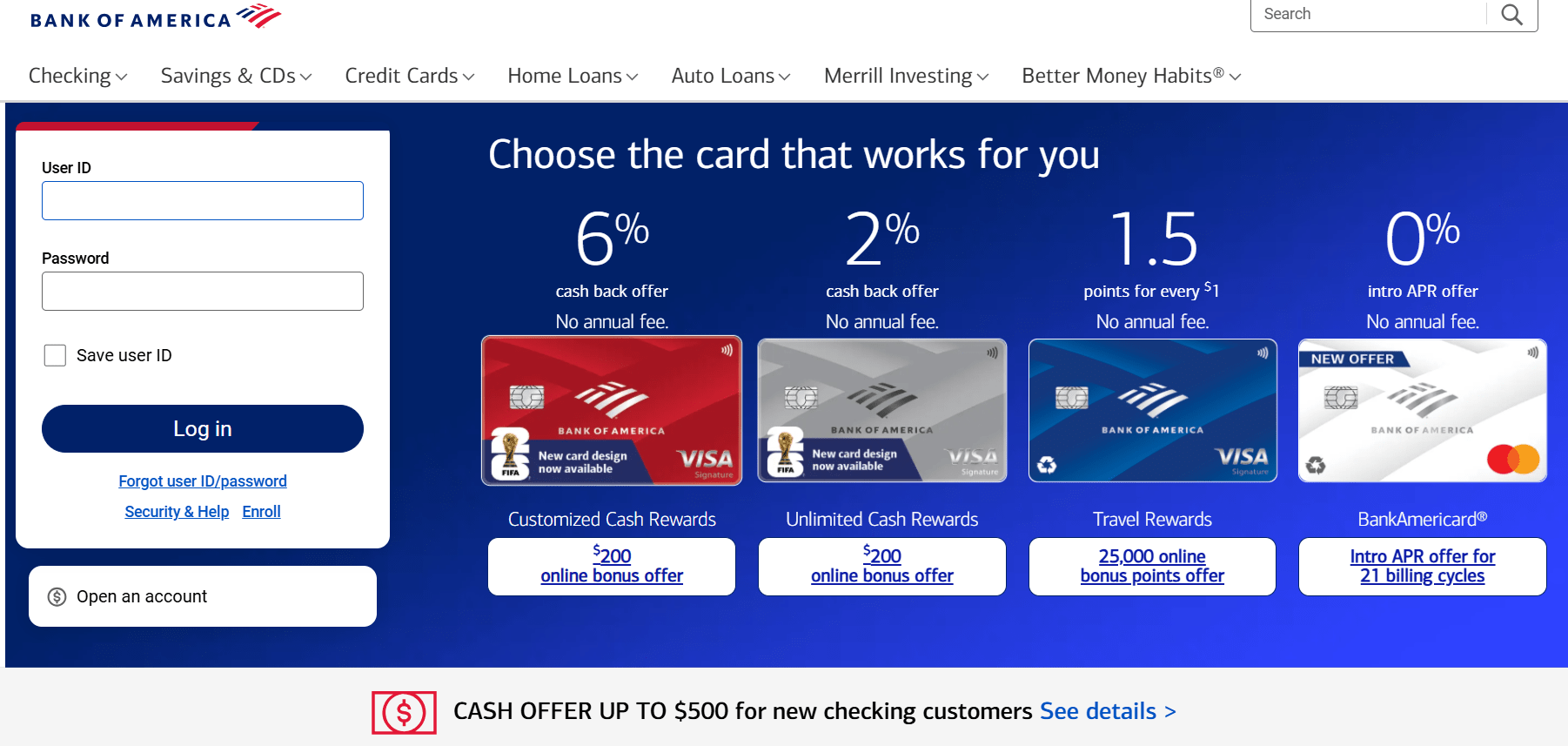
You begin on the official Bank of America website and look for any checking account promotion banner. These promotions often include cash bonuses, but they are only valid if you start your application from that specific page.
Once you click the offer, you select your account type, such as Advantage Plus Banking. Then you enter your ZIP code and begin the application.
At this point, the system will guide you through multiple steps including personal information, contact details, employment status, and identity verification.
Throughout this process, keep in mind that to successfully open an account on Bank of America, consistency matters. Your name, address, and personal details must match your official identification exactly.
Before you open an account on Bank of America
Before you actually open an account on Bank of America, there are a few things you should prepare to avoid delays.
You will need:
- A valid government issued ID
- A working phone number
- An active email address
- Your residential address (PO boxes are not accepted)
One of the most important parts of how to open an account on Bank of America is understanding that the bank uses identity verification systems to confirm your details. This is part of standard banking compliance and applies to all applicants.
If any information does not match your documents, your application may be delayed or flagged for review.
Identity verification when you open an account on Bank of America
When you open an account on Bank of America, you will go through a verification process known as KYC, which stands for Know Your Customer.
This includes:
- Email verification using a six digit code
- Phone verification via SMS
- Consent for carrier-based phone verification
Each step is designed to confirm that the account is being opened by a real person. It may feel repetitive, but it significantly reduces fraud risk.
A key detail when you open an account on Bank of America is that verification codes expire quickly, so you should complete each step without long delays.

Application details you should not overlook
During the application process, you will be asked to create login credentials, choose account settings, and optionally add a co applicant.
When you open an account on Bank of America, your user ID and password are important security decisions. Avoid using obvious personal information such as your full name or date of birth.
You will also be asked for employment information. This does not determine approval. Even if you are a student, unemployed, or retired, you can still open an account on Bank of America without issues.
Another important choice is whether to add a co applicant. For most people, this is unnecessary unless the account is shared, such as between spouses.
Common mistakes when you open an account on Bank of America
Many people run into issues not because they are ineligible, but because of small avoidable mistakes during the application.
Here are the most common problems:
First, starting the application from the wrong page can remove eligibility for promotional offers. If your goal is to open an account on Bank of America with a bonus, this step is critical.
Second, mismatched personal details can trigger delays. Even small differences like using a nickname instead of your legal name can cause verification issues.
Third, skipping address accuracy is a common error. Your address must match your ID exactly when you open an account on Bank of America.
Finally, many users rush through disclosures without reading them. While most terms are standard, it is still important to understand what you are agreeing to.
What happens after you open an account on Bank of America
Once you complete the application, approval often happens within minutes. In some cases, it may take longer if additional verification is required.
After you open an account on Bank of America, you will receive:
- A confirmation email
- Online banking access
- A debit card by mail within a few business days
At this stage, it is recommended to set up direct deposit as soon as possible. This is especially important because it can waive certain monthly fees and may also qualify you for promotional bonuses.
If your application is under review, do not worry. It is common for banks to request additional ID verification, especially for new customers or recent address changes.
Final thoughts
Learning how to open an account on Bank of America is mostly about following the correct steps in the right order and avoiding unnecessary mistakes.
To quickly summarize:
- Start from the correct offer page
- Enter accurate personal information
- Complete identity verification carefully
- Review everything before submission
Once you open an account on Bank of America successfully, you gain access to a full online banking system, debit card services, and optional financial tools depending on your account type.
If you follow the process carefully, opening an account on Bank of America becomes a straightforward task rather than a confusing application.






