
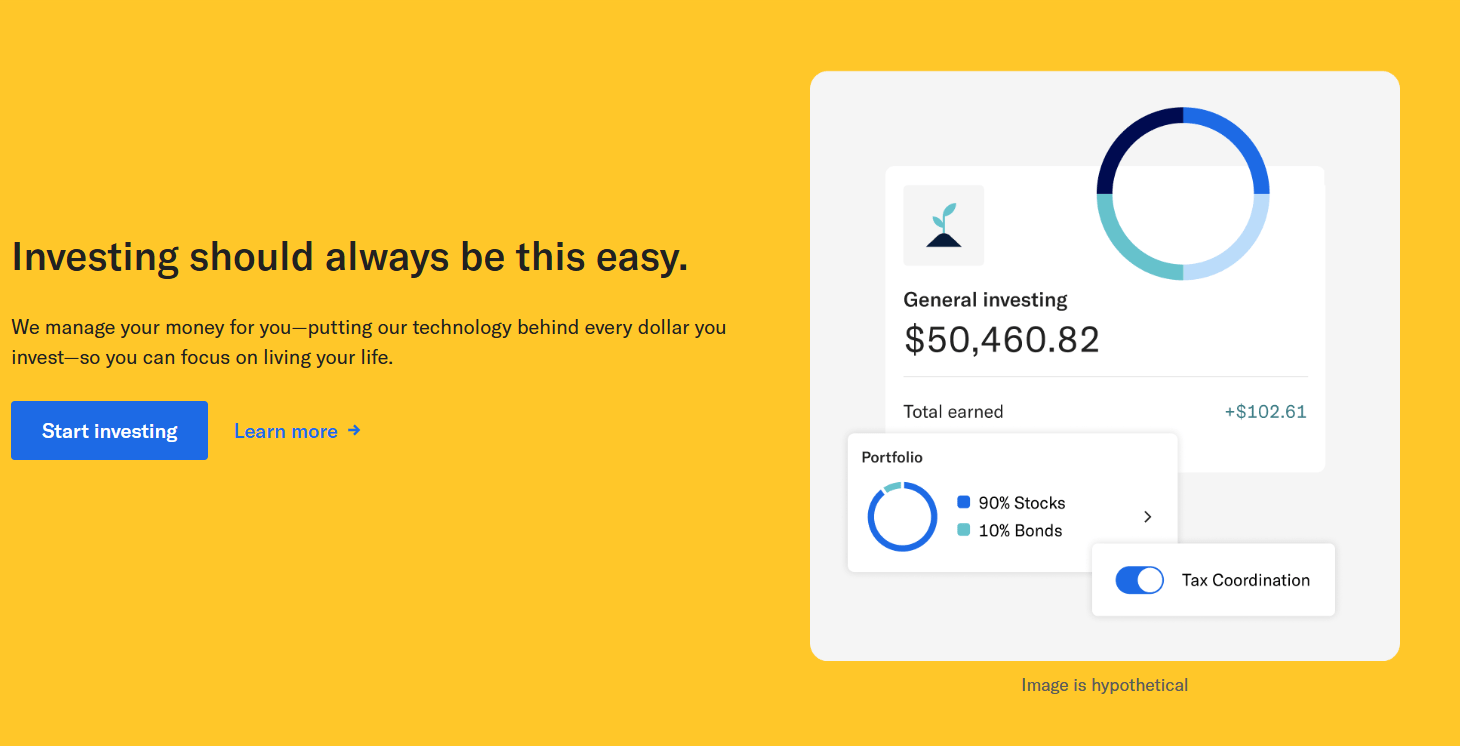
Betterment is a robo-advisor platform designed to simplify investing for both beginners and experienced users. It automates much of the investing process, helping users build portfolios based on risk tolerance and goals. In this guide, we’ll walk you through how to use Betterment, from creating an account to choosing investments, funding it, and navigating the platform.
Getting Started with Betterment
The first step in learning how to use Betterment is to create your account. You can begin by visiting their website and clicking on Get Started. Betterment offers several account types, including:
- High-yield cash accounts
- Bond investing accounts
- IRA accounts (traditional, Roth, and SEP)
- Crypto investing via ETFs
- Checking accounts
For the purpose of investing, select the Investing option to begin the account creation process.
Creating Your Betterment Account
To create an account, follow these steps:
- Enter your personal information – Provide your email address, create a password, then input your first and last name.
- Phone verification – Enter your phone number and accept the terms and conditions.
- Verify your email – You’ll receive an email from Betterment asking for verification. Make sure to confirm it before proceeding.
Completing the Application
Like all investment platforms, Betterment needs to collect some regulatory and financial information. The application includes:
- Personal Information: Physical address, date of birth, and Social Security number.
- Security Questions: Choose a few for added account protection.
- Employment and Financial Profile:
- Employment status
- Occupation and employer information
- Tax status
- Annual income and estimated total investments
Investment Experience
You will be asked to disclose your investment experience, choosing from options such as:
- None
- Limited
- Moderate
- Extensive
Be honest here; it will help Betterment tailor the experience.
Regulatory Questions
Finally, you must answer three regulatory questions:
- Are you associated with a broker-dealer?
- Do you own more than 10% of a public company?
- Are you subject to backup withholding by the IRS?
If none apply, simply select None Apply.
Selecting Your Investment Account Type
With your profile complete, it’s time to pick the account type:
- Individual Account
- Joint Account
- Trust Account
In this example, we’ll proceed with an Individual Account. This is the most common choice for solo investors.
Choosing an Investment Portfolio
Betterment is known for its automated ETF portfolios. These portfolios are designed based on your investment goals and risk tolerance.
Some popular portfolio options include:
- Core Portfolio: Globally diversified with broad market exposure
- Socially Responsible Investing
- Innovative Technology Portfolio
- Income Portfolio
Each portfolio lists details such as the percentage of stocks vs. bonds, dividend yield, and expense ratios. For example, a typical Core Portfolio may be 90% stocks and 10% bonds with a 0.035% expense ratio.
Building Your Own Portfolio
If you want more control, you can opt to build your own portfolio. This allows you to:
- Select from a limited list of ETFs
- Adjust stock and bond exposure manually
- Set your own risk level
Important Note: By building your own portfolio, you lose access to some automated features like auto-rebalancing.
Customizing Asset Allocation
After choosing to build a portfolio or select a pre-built one, you can adjust your allocation:
- Add exposure to ETFs like VTI (Total Stock Market ETF)
- Reduce or increase international stock allocation
- Modify your risk score and diversification
Once you’re satisfied with the allocation and reach 100% invested, click Use This Portfolio.
Opening and Funding Your Account
Once your portfolio is finalized, click to open the account and agree to the final terms and conditions. Now your Betterment account is ready!
Linking a Bank Account
To fund your account:
- Connect to your bank using Plaid (a secure third-party service used by most brokers).
- Log in to your bank account to verify.
- Choose the account you wish to link.
- Authorize access to connect your bank to Betterment.
Making Your First Deposit
You can now add funds:
- Choose your connected account
- Enter the deposit amount (e.g., $20)
- Choose a funding frequency:
- One-time deposit
- Weekly
- Bi-weekly
- Monthly
Click Review Deposit and Submit once you’re ready.
Navigating the Betterment Dashboard
Now that you’ve funded your account, let’s explore how to use Betterment’s main features.
Overview Panel
Your dashboard includes:
- Net Worth Summary: Tracks your bank balance + investment portfolio
- Performance Box: Shows returns and growth over time
- Product Suggestions: Links to other Betterment offerings such as:
- Cash Reserve
- Bond portfolios
- IRA accounts
Sidebar Tools
Here are some additional tools you’ll find:
- Performance Tracking: Monitor how your investments are doing. Over time, you’ll see data like dividends earned and portfolio performance.
- Tax-Loss Harvesting: Option to enable this feature to reduce taxable gains.
- Dividends Report: A breakdown of what dividends you’ve earned.
- Adviser Consultations: You can speak with a financial advisor for a fee. Note: the minimum balance for scheduling a call is usually $20,000.
Pros and Considerations When Using Betterment
Understanding how to use Betterment also involves being aware of its strengths and limitations:
Pros
- User-friendly interface
- Diversified portfolios with low-cost ETFs
- Automated rebalancing and goal tracking
- Great for beginners and passive investors
Considerations
- Limited ETF selection when building your own portfolio
- Basic ETF info; more research may be needed outside the platform
- Some features like financial advice have balance thresholds
Conclusion
Whether you’re a new investor or someone looking for a hands-off approach, learning how to use Betterment can simplify your investment journey. From account creation to selecting a portfolio and making your first deposit, the platform guides you step-by-step while still offering flexibility for those who want more control.
By following this guide, you’ve not only learned how to use Betterment, but also how to take your first steps toward financial independence with confidence. Explore the tools, track your performance, and let automation help you grow your wealth over time.
If you’re looking to expand your financial strategy further, opening additional accounts such as IRAs or checking accounts within the same platform is now much quicker thanks to your completed profile. Betterment is designed to make smart investing accessible—and now you know exactly how to use Betterment to your advantage.






