
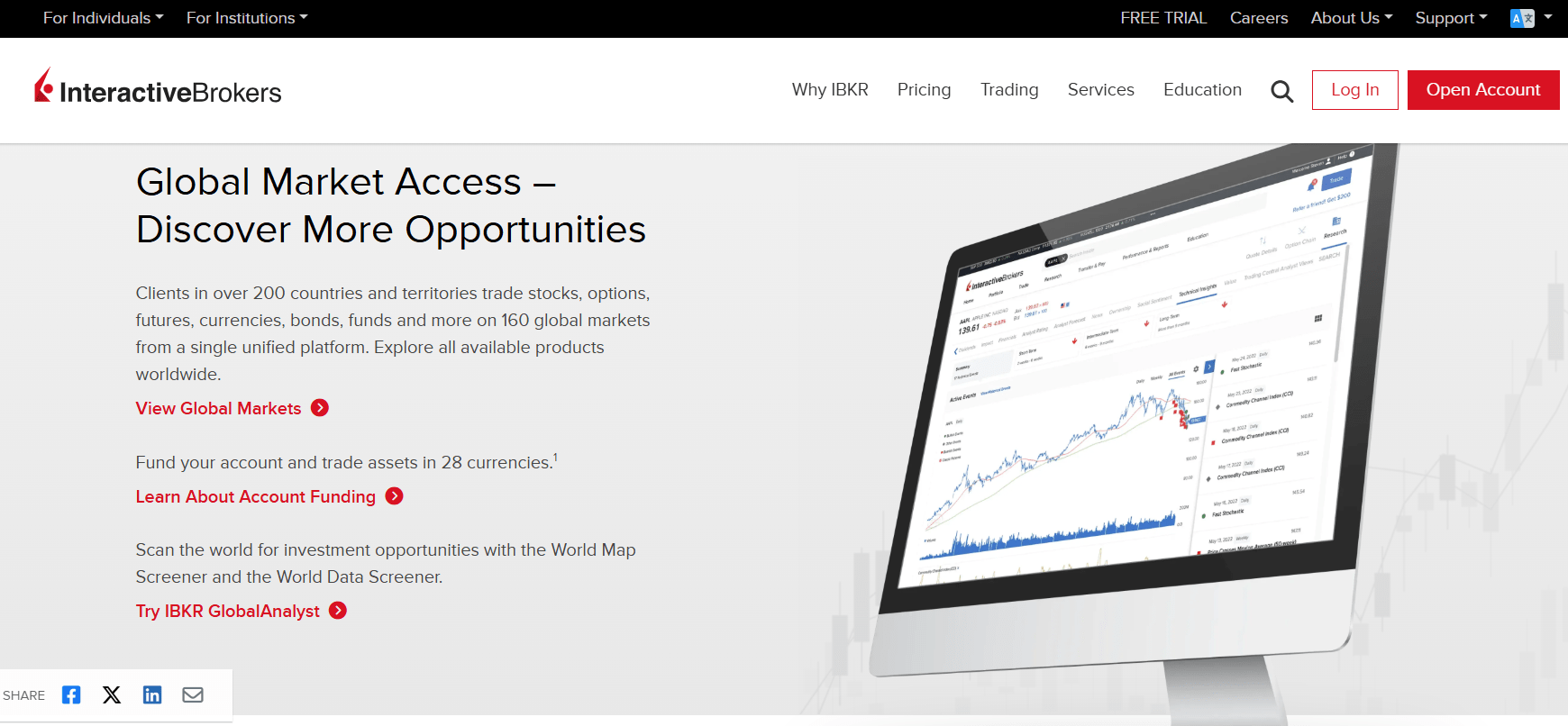
If you’re looking to invest in stocks, ETFs, or even cryptocurrencies, knowing how to use Interactive Brokers effectively can give you a serious edge. Interactive Brokers (IBKR) is one of the most powerful trading platforms available, with tools suited for both beginners and seasoned professionals.
In this in-depth guide, we’ll walk you through how to open an account, fund it, make your first trade, and explore the many tools IBKR offers. Whether you’re here to grow your portfolio or trade daily, you’ll learn how to use Interactive Brokers step by step.
Opening an Interactive Brokers Account
To get started, head to the Interactive Brokers website and click on “Open Account.” You’ll begin by entering:
- Your email address
- A username and password
- Your country of residence
Once you complete this, confirm your email via the link they send you. Then, you’ll be prompted to select an account type.
Choosing the Right Account Type
Interactive Brokers offers:
- Individual Accounts – for single investors
- Joint Accounts – for two people
- Retirement Accounts – like IRAs
- Custodian Accounts – for minors
For this tutorial, we’ll proceed with an Individual Account.
Next, you’ll select your state, which is required before you can pick your service plan.
Picking Between IBKR Lite and IBKR Pro
IBKR offers two plans:
- IBKR Lite: Best for beginners.
- No commission on U.S. stocks and ETFs
- No account minimums
- Slightly worse trade execution (due to payment for order flow)
- IBKR Pro: Best for active or professional traders.
- Better trade execution and routing
- Lower margin rates
- Advanced tools like APIs and trading algorithms
For casual investing, IBKR Lite is usually sufficient. If you’re serious about speed and performance, IBKR Pro may be a better fit.
Filling Out Your Personal Details
Now you’ll be asked for some personal details:
- Name and address
- Employment status
- Financial background (source of wealth, income)
- Investment objectives
- Trading experience
You’ll also set up security questions and verify your phone number with a code sent by text.
Selecting Your Account Configuration
You’ll now choose between:
- Cash Account:
- Trade only with the money you deposit
- No margin or short selling
- Lowest risk
- Margin Account:
- Borrow money from IBKR to invest more
- Allows short selling
- Higher potential gains and losses
- Portfolio Margin Account:
- Enhanced borrowing power
- Minimum $110,000 in assets
- Suitable only for experienced investors
For most users, a Cash or Margin account will be appropriate.
Deciding on Investment Goals
Next, define your investment goals. The main options include:
- Growth
- Income
- Growth and Income (a balanced approach)
Pick based on your personal strategy. There’s no benefit to exaggerating your experience—just be honest.
Optional: Stock Yield Enhancement Program
Interactive Brokers also offers a Stock Yield Enhancement Program, where you can lend your fully-paid shares for short-selling purposes and earn a portion of the interest. You can opt out or enable it later, and it doesn’t limit your ability to sell your shares anytime.
Reviewing and Submitting the Application
Review all your inputs and disclosures, then type your name to sign electronically. Once complete, your account will be ready to go!
Click “Go to Login” to access your dashboard.
Funding Your Interactive Brokers Account
You’ll need to deposit funds to start trading. Click on “Deposit Funds” under the “Fund Your Account” section.
Funding Options
IBKR offers multiple funding methods:
- Link a Bank Account (most common)
- Bank wire transfer
- Online bill pay
- Mail a check
- Transfer from Wise account
Using Plaid (a trusted third-party service), you can link your bank instantly. Once linked, simply select your account, enter the amount (e.g., $30), and confirm.
How to Use Interactive Brokers for Trading
Now that your account is funded, it’s time to learn how to use Interactive Brokers for buying and selling securities.
Placing a Trade
- Click “Trade” from the top menu or blue button.
- Select “Order Ticket”.
- Enter the ticker symbol of the stock or ETF you want (e.g., SCD for a dividend ETF).
- Choose Buy or Sell.
- Enter the quantity (IBKR allows partial shares for U.S. stocks).
- Select your order type (Market, Limit, etc.)
- Hit Preview, then Submit Order.
✅ Tip: Always use the preview feature to confirm your order before submitting.
Once submitted, your order should fill within seconds if you used a market order.
Selling a Stock or ETF
To sell:
- Go to your Portfolio tab.
- Click directly on the asset you want to sell.
- Select “Sell” on the right side.
- Choose quantity, review, and Submit Sell Order.
Exploring the Interactive Brokers Dashboard
Once you know how to use Interactive Brokers to place trades, you’ll want to dive deeper into the tools available.
Key Dashboard Features
- Chart Analysis – Add indicators and compare price action.
- Fundamentals Tab – View key financials, performance history, Morningstar ratings, and risk stats.
- Dividends Page – View dividend yield (Trailing 12 Months).
- Holdings Tab – See ETF composition, sector allocation, and country exposure.
- Social Sentiment – Analyze tweet buzz and investor sentiment.
- Options Trading – Available if enabled, but recommended only for experienced users.
Interactive Brokers even provides detailed PDF reports on ETFs and mutual funds, saving you the cost of third-party data subscriptions.
Crypto Trading on Interactive Brokers
Another great feature of IBKR is its crypto trading access. You can enable this under the Crypto tab by selecting either:
- Crypto Basic
- Crypto Plus
You’ll need to enroll, agree to terms, and receive confirmation before starting. Crypto trading is powered by Zero Hash, a regulated crypto platform.
Final Thoughts: Is Interactive Brokers Right for You?
Learning how to use Interactive Brokers might feel intimidating at first, but once your account is set up and funded, navigating the platform becomes intuitive.
Here’s what stands out:
- For Beginners: IBKR Lite offers zero-commission trades and partial shares.
- For Advanced Traders: IBKR Pro unlocks powerful tools and the best execution.
- Research Tools: Extensive ETF data, global exposure, and third-party analysis.
- Flexibility: Trade stocks, ETFs, options, and crypto in one place.
Whether you’re building a long-term portfolio or day trading regularly, knowing how to use Interactive Brokers opens the door to one of the most feature-rich platforms on the market.
Recap: 5 Key Steps on How to Use Interactive Brokers
- Open your account – Choose the right account type and service plan
- Fund your account – Use bank linking or wire transfers
- Place your first trade – Start with U.S. stocks or ETFs
- Explore the platform – Use charts, fundamentals, and sentiment tools
- Grow confidently – Leverage IBKR’s features as your investing journey evolves
Now that you know how to use Interactive Brokers, you’re ready to take control of your investments with confidence.






