
Charles Schwab is one of the most reputable and user-friendly brokerage platforms in the United States. Whether you’re a beginner looking to buy your first stock or a seasoned investor aiming to diversify your portfolio, Schwab offers a wide range of investment options and zero commissions on online stock and ETF trades.
In this comprehensive, step-by-step guide, we’ll walk you through the process of opening and funding an individual brokerage account on Charles Schwab — from choosing the right account type to verifying your identity and transferring funds. By the end of this guide, you’ll have your Schwab account ready and be one step closer to your financial goals.
Step 1: Visit the Charles Schwab Website
To begin, go to the official Charles Schwab website. If you’re using a referral link, clicking the link may make you eligible for a bonus of up to $11,000, depending on your initial deposit.
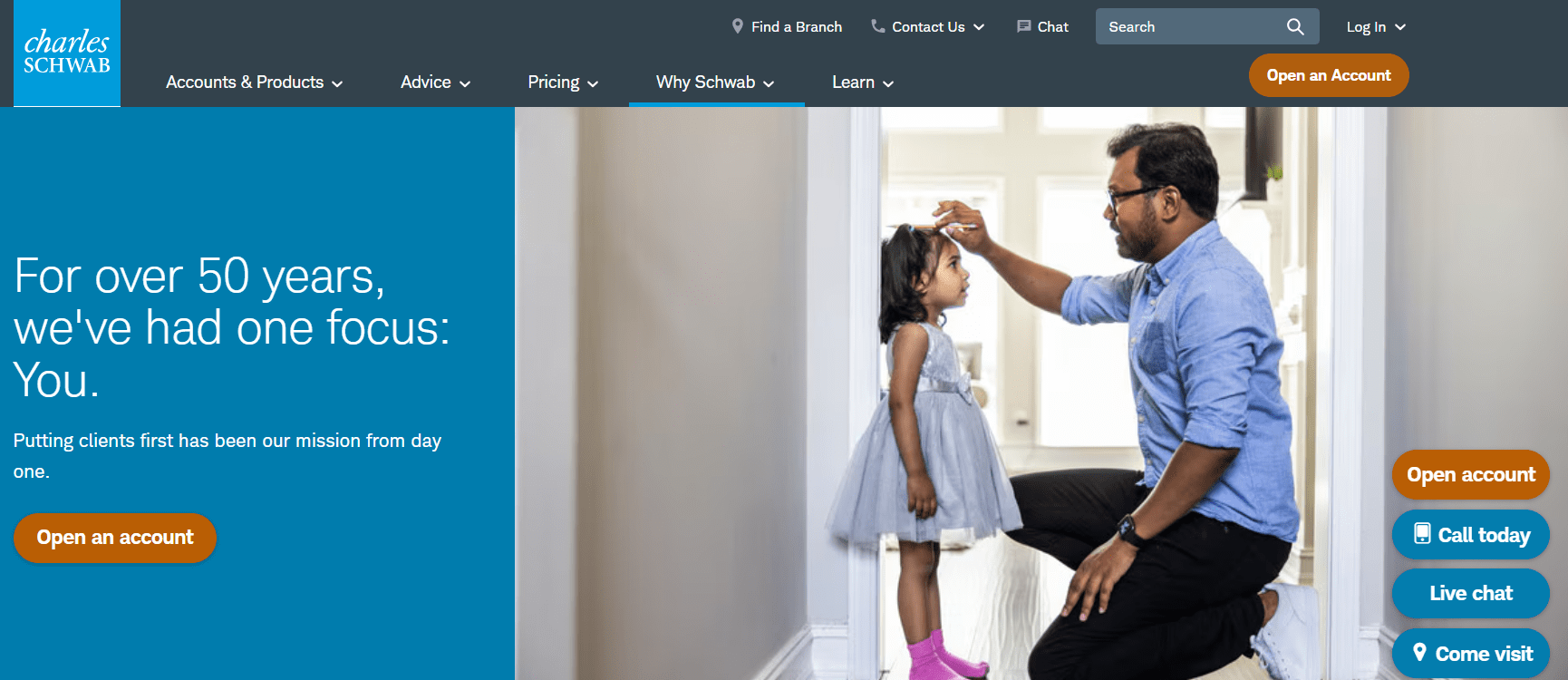
Once you’re on the homepage, look for the “Open an Account” button. It’s usually located in the top-right corner or sometimes in the middle of the screen. Schwab occasionally updates their layout, but the “Open an Account” button should be easy to find.
Step 2: Choose the Right Type of Account
On the next page, Schwab will offer multiple account types. For this guide, we’ll focus on the Individual Brokerage Account, the most common choice for new investors.
Here are some other options Schwab provides:
- Joint Brokerage Account (ideal for couples or partners)
- Roth IRA and Traditional IRA (for retirement investing)
- Rollover IRA (to transfer retirement assets from another institution)
- Global Account (for trading in international markets)
- Custodial or Educational Accounts (for minors and education savings)
- Banking Products (checking and savings accounts linked to your brokerage)
Click on “Individual Brokerage Account” to proceed.
Step 3: Understand the Account Features
Before starting your application, Schwab gives you a summary of the account features:
- $0 monthly service fee
- No minimum deposit required
- Access to stocks, ETFs, mutual funds, and more
To open an account, you will need:
- Your Social Security Number
- A valid email address
- A mobile phone number
Make sure you have these ready before you begin.
Step 4: Enter Your Personal Information
Now, you’ll be asked to provide personal details including:
- Full legal name
- Residential address
- Date of birth
- Social Security Number
- Email address
- Phone number
Tip: If you’re not a U.S. citizen, select “No” when asked about U.S. citizenship. You’ll be redirected to Schwab’s international site, where you can follow similar steps based on your country of residence.
Once all information is entered, click Continue.
Step 5: Verify Your Identity
To secure your account, Schwab requires identity verification. You can choose between:
- Text message
- Phone call
Select the method that works best for you. You’ll receive a verification code. Enter it into the system and proceed.
Step 6: Create Your Login Credentials
You’ll now set up your online access by:
- Creating a Login ID
- Choosing a Password
- Selecting a Security Question and Answer
Fill in the required fields and click Continue.
Step 7: Add Your Address and Trusted Contact
Add your permanent residential address. You’ll also be asked if you want to add a Trusted Contact — someone Schwab can reach out to in case of suspected fraud or if they can’t contact you.
This step is optional. You can skip it by clicking Continue.
Step 8: Answer Investment Purpose Questions
Next, Schwab will ask why you’re opening the account. These questions are for regulatory and customer service purposes — there are no right or wrong answers. Common choices include:
- General investing
- Retirement planning
- Education savings
- Trading frequently
Choose the options that apply and continue.
Step 9: Provide Employment and Financial Information
You’ll need to specify your employment status and provide some basic financial details. This includes:
- Occupation and employer information
- Annual income range
- Net worth estimate
- Source of funds
This information helps Schwab ensure they are complying with financial regulations and offering appropriate services.
Step 10: Choose Your Document Delivery Preferences
Schwab allows you to go paperless — meaning you receive all account-related documents (statements, trade confirmations, etc.) via email. This is the default and most eco-friendly choice, but if you prefer physical mail, you can uncheck the boxes for online delivery.
Step 11: Decide on Optional Features
You’ll be asked if you want to enable:
- Margin Trading (borrowing money to trade)
- Options Trading (buying and selling options contracts)
- Thinkorswim or Advanced Trading Platforms
Even if you’re unsure about these features, you can activate them now or choose to enable them later. If you opt into options trading, you’ll answer a few extra questions about your trading experience and risk tolerance.
Step 12: Review and Confirm Your Details
You’re almost done! Carefully review all the information you’ve entered on the final review screen. Make sure your name, contact info, financial data, and preferences are correct.
Once everything looks good, click Continue.
Step 13: Agree to Terms and Submit Application
Now, you’ll need to agree to Schwab’s terms and conditions. These documents cover everything from account usage to privacy and disclosures. It’s a good idea to read through them carefully.
Click the final “Continue” to submit your application.
Congratulations — your Schwab account is now officially created and under review. The approval process is usually fast, and you’ll receive an email confirmation once it’s ready.
Step 14: Fund Your Account
Once approved, you’ll be prompted to fund your new brokerage account. Schwab offers multiple funding options:
- Online Transfer (ACH) – Link your bank account for a direct deposit. This typically takes 1–2 business days, but for small amounts, the transfer can be instant.
- Transfer Account – Move existing stocks, ETFs, or mutual funds from another broker.
- Deposit a Check
- Wire Transfer
Let’s focus on the online bank transfer option, the most common method.
Step 15: Link Your Bank Account
Click “Add Funds” and then choose “Online Transfer.” You’ll be asked to link your checking or savings account by entering:
- Routing Number
- Account Number
- Account Type (Checking or Savings)
Agree to the terms and submit the information.
In many cases, Schwab can verify the bank account instantly, allowing you to transfer funds right away. Otherwise, they might make a small test deposit (under $1), and you’ll need to confirm the exact amount later to complete the verification.
Step 16: Confirm Deposit and Start Investing
Once the transfer is complete, your funds will appear in your Schwab account — sometimes within minutes. Now you’re ready to:
- Buy and sell stocks or ETFs
- Research investment opportunities
- Set up automatic contributions
- Explore Schwab’s educational resources
How to Open a Brokerage Account on Charles Schwab – Final Thoughts
Opening a brokerage account on Charles Schwab is straightforward and beginner-friendly. The platform offers flexibility, strong customer support, and access to a wide range of investments — all with no account minimums or monthly fees.
In summary:
- Create your account online in under 20 minutes
- Verify your identity and set up login credentials
- Customize your investment preferences
- Link a bank account to fund your portfolio
With your account now open and funded, you’re ready to take control of your financial future. Happy investing!






